Most businesses in India start on WhatsApp the same way: one phone, one number, and an owner replying to customers between everything else. It works beautifully, right up until it doesn’t. A second person needs to see the same conversation. An order update should go out without anyone typing it. A lead is sitting in the CRM while the actual chat lives on someone’s handset. That’s usually the moment people start asking whether it’s time to move from the free app to the WhatsApp Business API. The honest answer is: sometimes yes, and sometimes not yet.
What the Business App Is Good At
The WhatsApp Business App is free to download and built for hands-on, small-scale conversations. You get a business profile, a product catalogue, quick replies, and simple greeting and away messages. For an owner-run shop, a freelancer, or a small clinic where one or two people can comfortably keep up with incoming chats, that’s often everything you need. There’s no software to buy, no onboarding process, and no learning curve.
The limits show up as you grow. Broadcast lists come with caps and recipient requirements, automation stays basic, and there’s no standard way to connect conversations to your CRM, store, or helpdesk. None of that matters at ten chats a day. It matters a lot at a few hundred.
What the API Actually Is (and Isn’t)
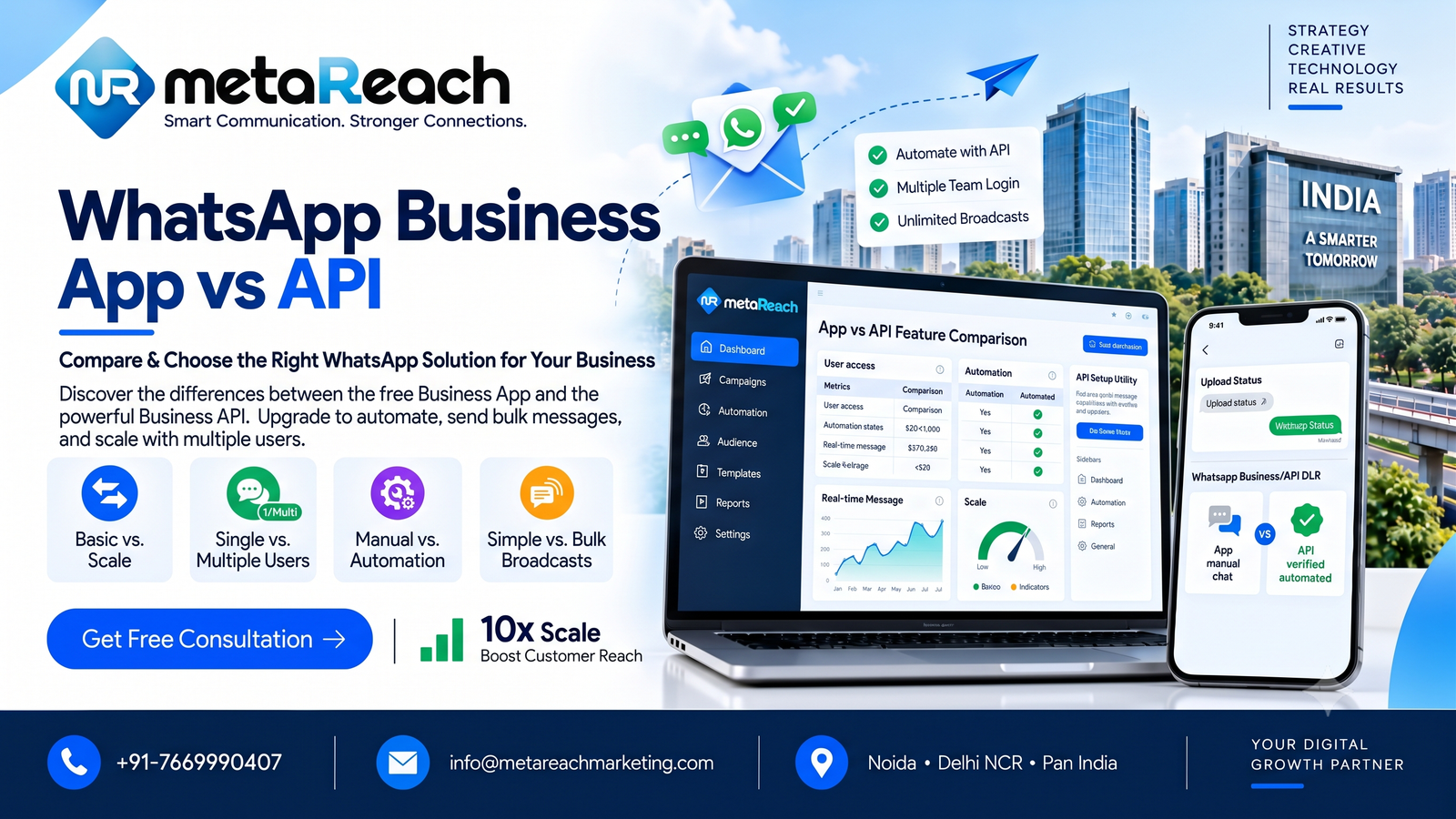
Here’s the part that surprises many people: the API is not an app, and it isn’t a ready-made inbox. It’s a connection layer that lets software send and receive WhatsApp messages. To use it day to day, your team works through a provider’s dashboard, a shared inbox, or something you build yourself. That’s what makes shared access possible. Several agents can handle chats from one business number, conversations can be assigned, and systems like a CRM or online store can trigger messages automatically.
It also comes with rules. Business-initiated messages outside the customer service window need pre-approved templates, and everything depends on proper opt-ins. The upside is structure: campaigns, triggered order updates, and chatbot flows that hand over to a human when needed. The trade-off is that you’re now choosing how your team sees chats, manages consent, and reports results, not just flipping a switch.
Signs It May Be Time to Switch
There’s no magic number of conversations that forces the decision. Instead, look for friction. Are replies slowing down or getting missed? Is someone copying details from WhatsApp into a spreadsheet all day? Do several people need to answer from the same number with shared history? Do you want order confirmations or reminders to go out on their own? If you’re nodding to a few of those, the API is worth a serious look. If one person still handles everything smoothly, staying on the app is a perfectly sensible choice.
Don’t Forget the Cost Side
The app is free. The API usually isn’t, though the bill isn’t always one number. There can be Meta’s message charges, which depend on the message category and Meta’s current pricing rules, plus a platform or software fee from your provider for inbox seats, automation, analytics, and support. Integrations with your CRM or store may add work on top. Because Meta’s pricing changes, older per-conversation figures you find online may not match what you’d actually pay. The safest move is to ask for an itemised quote based on your expected monthly volume, and to check what’s included before comparing providers.
A Few Things Worth Checking Before You Move
Two questions save a lot of regret later. First, what happens to your existing chat history? Don’t assume old conversations and media will appear in a new shared inbox, so export what matters first. Second, can you keep using the app alongside the API? Meta offers coexistence options for eligible accounts, but availability depends on your setup, so confirm before you migrate. And if you’re hoping for a verified badge, remember that approval rests with Meta. A provider can help you prepare, but nobody can promise the outcome.
It also helps to think of WhatsApp as one channel among several. Many Indian businesses pair it with SMS, using SMS for OTPs and selected alerts and WhatsApp for opted-in service and engagement. A detailed, India-focused breakdown covering the feature-by-feature comparison, the pricing components, and migration questions is available in this guide to the WhatsApp Business App vs API, which is worth a read before you talk to any provider.
Choosing a Partner You Can Actually Ask Questions
Whichever route you take, pick a team that will tell you plainly when the simpler option is enough. Providers such as MetaReach Marketing work with businesses on API onboarding, template preparation, and integration planning, alongside SMS and other messaging channels, and they’re upfront that features and approvals depend on your plan and Meta’s review. That kind of candour is a good sign. Ask for a readiness review, a clear quote, and a walkthrough of how your team would actually use the inbox day to day.