Most of your customers already use WhatsApp every day, which is exactly why so many businesses want to reach them there. The trouble starts when a company tries to run sales, support and reminders from a single phone with the regular app. Messages pile up, staff share one login and bulk sending is limited. That is the gap the WhatsApp Business API fills. This guide explains how it works, what to prepare, and where to find help, with reference to the WhatsApp Business API services offered by MetaReach Marketing.
How the API Differs From the Regular App
The regular WhatsApp Business app is built for small teams handling a modest number of chats. The API is designed for larger, more automated operations. It allows several agents to work from a shared inbox, connects with your CRM or online store, supports chatbots for common questions and lets you send approved notifications at scale. Some features depend on your eligibility and Meta’s rules, so what you can use will vary from one business to another.
What You Can Do With It
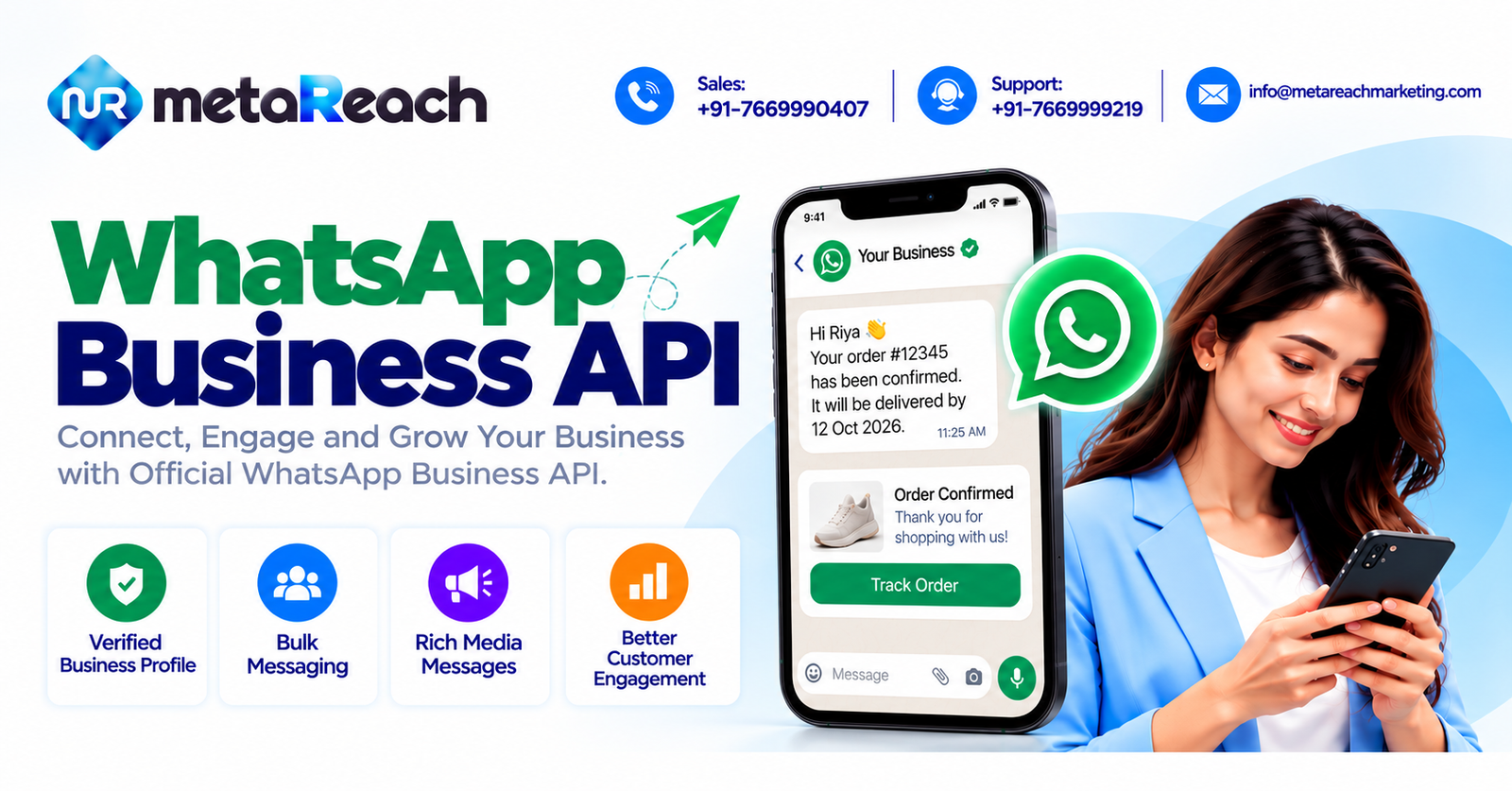
Think of it as three jobs in one. First, it handles notifications such as order confirmations, delivery updates, appointment reminders and payment alerts. Second, it supports two-way conversations, so customers can ask a question and get a quick answer, either from a bot or from a person. Third, it supports broadcasts to people who have agreed to hear from you, using templates that Meta has approved. Rich media such as images, PDFs, buttons and list menus make these messages far easier to use than plain text.
If you are new to the idea, this overview of WhatsApp API for business is a helpful companion read.
Understanding Message Categories
Meta groups messages into categories, and the category affects both what you need and how you are billed. Marketing messages promote something and need a template. Utility messages cover things like order or booking updates and also need a template. Authentication messages deliver one-time passcodes. Service messages are replies to customers who contacted you first, and they can be free-form within the customer service window. Because pricing rules change, check Meta’s current rate card and ask your provider for a clear quote rather than relying on a number you saw months ago.
Verification and the Green Tick
Before you go live, your business generally needs to be verified in Meta Business Manager. This usually involves documents such as a GST certificate or incorporation papers, and the details must match your website and display name. Review can take anywhere from days to weeks, so build that into your plan. A green tick is a separate badge. It depends on an active API account, a verified business, a real online presence and compliance with Meta’s policies, and the decision is entirely Meta’s. No provider can promise it. You can read more on the green tick verification page.
Templates: Where Most Delays Happen
Templates are the messages you send first, and each one must be approved before use. Rejections are common when the wording is vague, the category is wrong or the content looks promotional inside a utility template. Keep your language clear, give honest sample values and choose the category carefully. If a template gets turned down, this guide to WhatsApp template rejection reasons explains what usually goes wrong. Note that WhatsApp templates are reviewed by Meta, not through DLT, which applies to SMS.
Where It Works Best
The API fits any business with repeated customer conversations. Online stores use it for order updates and cart recovery. Clinics send appointment reminders. Schools and coaching centres share fee and exam notices, and real estate teams confirm site visits and answer enquiries quickly. Whatever your field, start with one or two simple flows, such as order confirmation and a basic FAQ bot, and expand once they run smoothly. A small, well-tested setup almost always beats a large one that confuses customers.