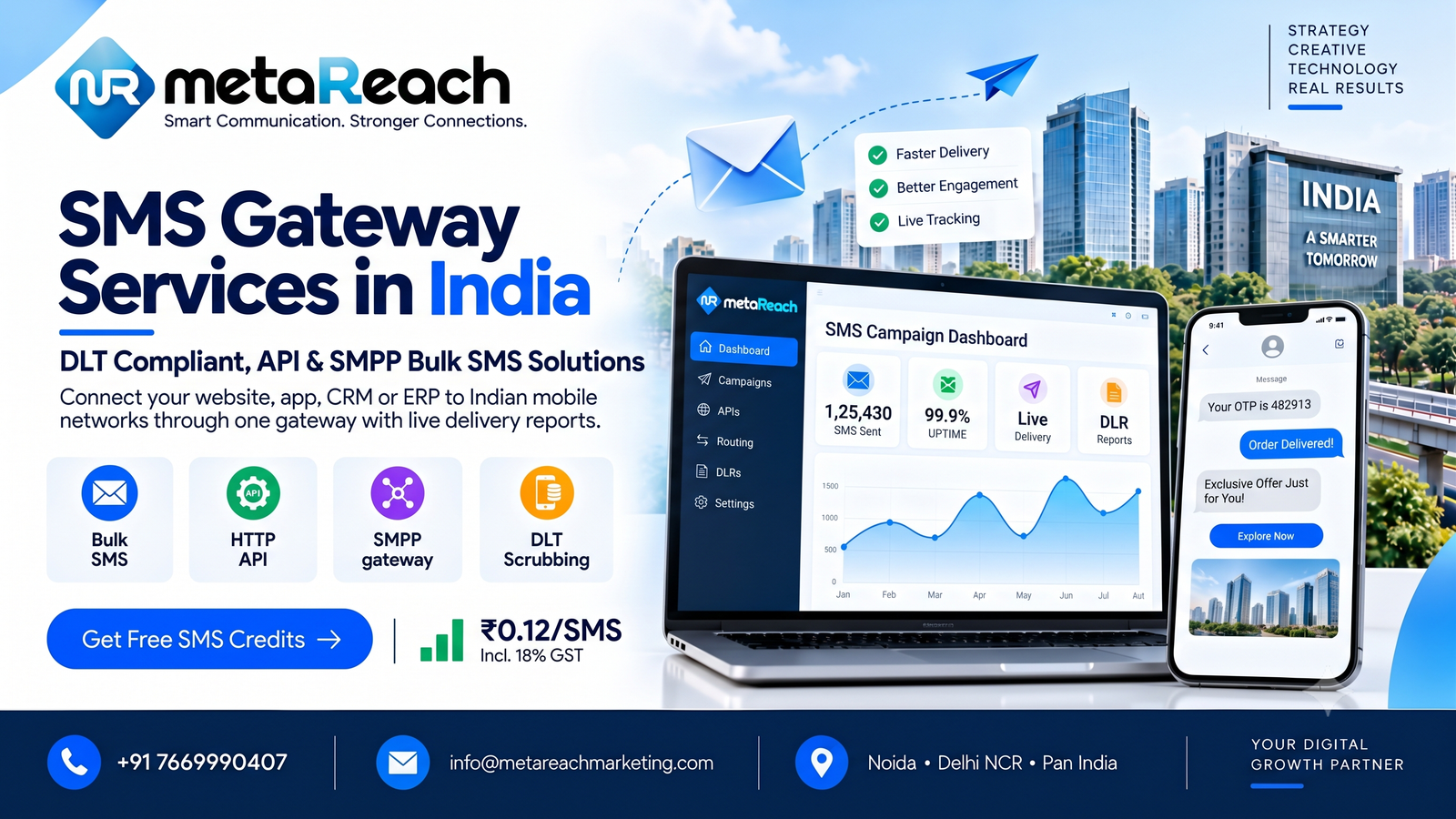
Every OTP you receive, every order alert and every appointment reminder travels through something called an SMS gateway. You rarely see it, but your business depends on it the moment you start sending messages at scale. This guide explains what an SMS gateway is, how it works in India, which features matter and what to check before you pick a provider.
What Is an SMS Gateway?
An SMS gateway is the technology bridge between your software and the mobile networks. Your website, app or CRM sends a message request to the gateway. The gateway checks it, routes it to the right telecom operator and returns a delivery status. Without it, you would have to negotiate and connect with each operator on your own, which is neither practical nor affordable for most businesses.
How the Process Works Step by Step
- Request: your system sends the message and phone number through an API or SMPP connection.
- Validation: the gateway checks the sender ID, template and DLT details.
- Routing: the message goes to the operator network on the correct route.
- Delivery: the operator passes it to the customer’s phone.
- Report: a delivery status comes back so you know what happened.
Why India Needs a Compliant Gateway
TRAI requires every commercial SMS in India to follow DLT rules. Your business must register as an entity, get sender IDs approved and have message templates cleared. A reliable gateway checks these details before messages go out, so approved traffic is delivered and the rest is stopped. Choosing a gateway that does not handle DLT properly means blocked messages, unhappy customers and wasted credits.
Types of Messages a Gateway Should Support
- Transactional SMS: order confirmations, banking alerts and service updates.
- OTP SMS: one-time passwords that must arrive within seconds.
- Promotional SMS: offers, launches and announcements sent to opted-in audiences.
Each type uses a different route with different rules, so your provider should offer all three in one account.
Features That Matter Most
Marketing pages often list dozens of features, but a handful decide how well your gateway performs:
- Fast, steady delivery, especially for OTPs where every second counts.
- HTTP API and SMPP options so developers can connect in the way that suits them.
- Clear documentation and code examples that shorten integration time.
- Real-time delivery reports with failure reasons you can act on.
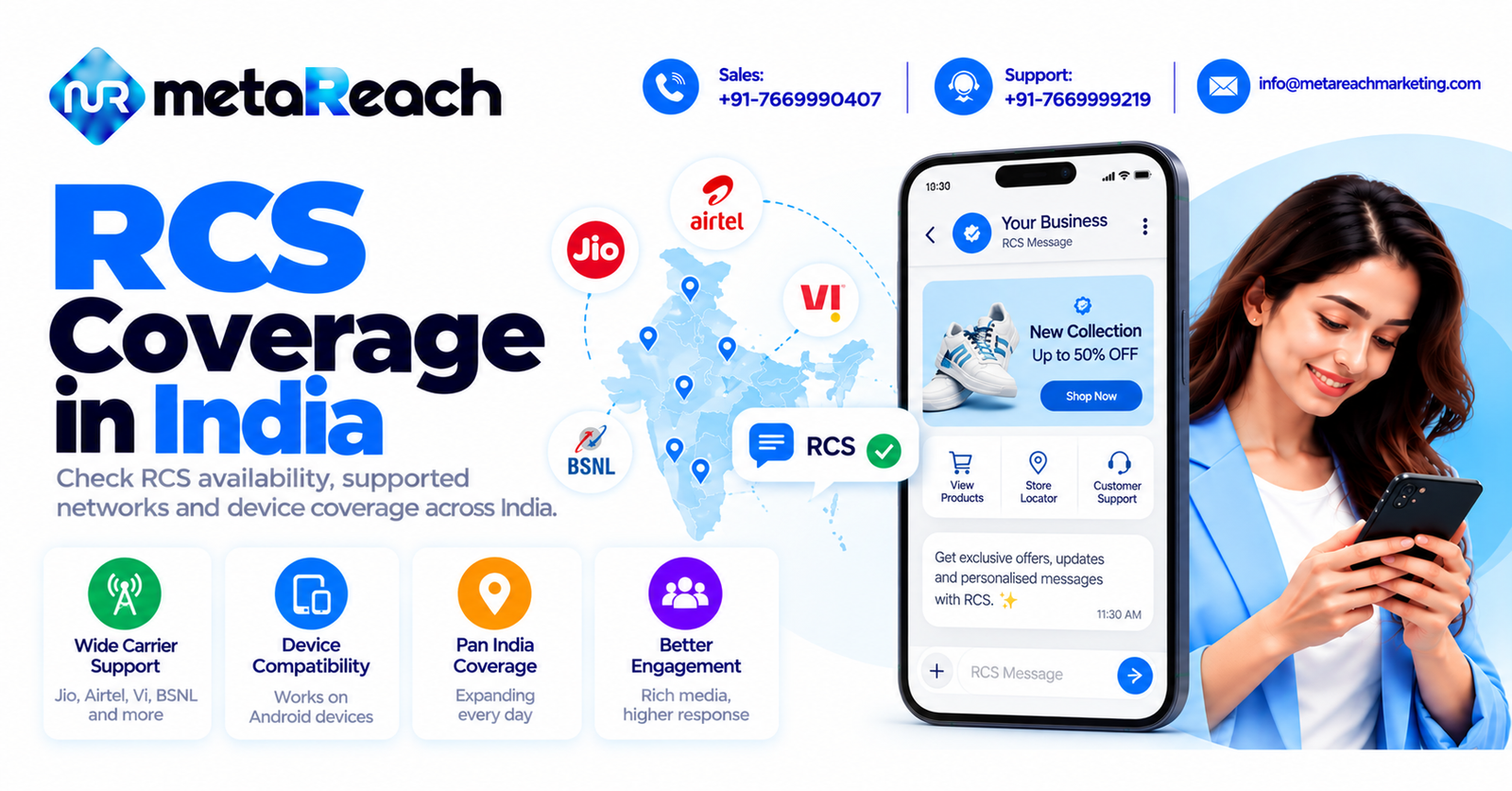
- Coverage across major operators such as Jio, Airtel, Vi and BSNL.
- Scalability, so your gateway handles festival rushes without slowing down.
- Reachable support when something breaks at an awkward hour.
API or SMPP: Which One Fits You?
An HTTP API is simple and works well for most websites, apps and CRMs. SMPP is a persistent connection often chosen by high-volume senders who need very fast throughput. If you are just starting, the API is usually enough. As your volume grows, you can discuss SMPP with your provider.
Who Uses an SMS Gateway?
Banks and fintech firms use it for OTPs and transaction alerts. Online stores send order and delivery updates. Schools share notices, clinics confirm appointments and software companies add SMS to their apps. Even a small business with a single website can plug into a gateway and start sending within days once its DLT approvals are ready.
Reliability, Uptime and Security
Ask how the provider handles downtime, route failures and traffic spikes. A good gateway has backup routes and monitors delivery constantly. Also check how your data is protected, since message content and phone numbers are sensitive. Strong access control and clear policies show that a provider takes your customers’ privacy seriously.
Common Mistakes When Choosing a Gateway
- Choosing on price alone and ignoring delivery quality.
- Skipping DLT preparation and facing repeated template rejections.
- Not testing OTP speed before going live.
- Forgetting to ask what happens if a route fails.
- Using a provider with no technical support during integration.
Tips for a Smooth Setup
Start by registering your entity and templates, then run a small test campaign and review the delivery report. Check that sender names display correctly and that OTPs arrive quickly across different operators. Keep your messages short, clear and relevant, and always send only to people who expect to hear from you. Good preparation makes the gateway invisible, which is exactly how it should be.