A shopkeeper in Surat sends order confirmations by SMS. A customer replies asking for a delivery update, and that reply sits unread for six hours because nobody is monitoring the SMS inbox. By the time someone responds, the customer has already called a competitor. This is the daily reality for thousands of Indian businesses still running customer communication through one-way channels while their customers have long since moved to WhatsApp.
With over 500 million WhatsApp users in India, the app is no longer just a personal messaging tool — it is where customers expect to talk to brands. That expectation has created real demand for a reliable WhatsApp Business API provider, but it has also created confusion, because the market is crowded with resellers, unclear pricing, and vague promises. This article breaks down what the API actually does, what to check before signing up, and how businesses across India are putting it to use.
What Is the WhatsApp Business API, and Why Does It Matter?
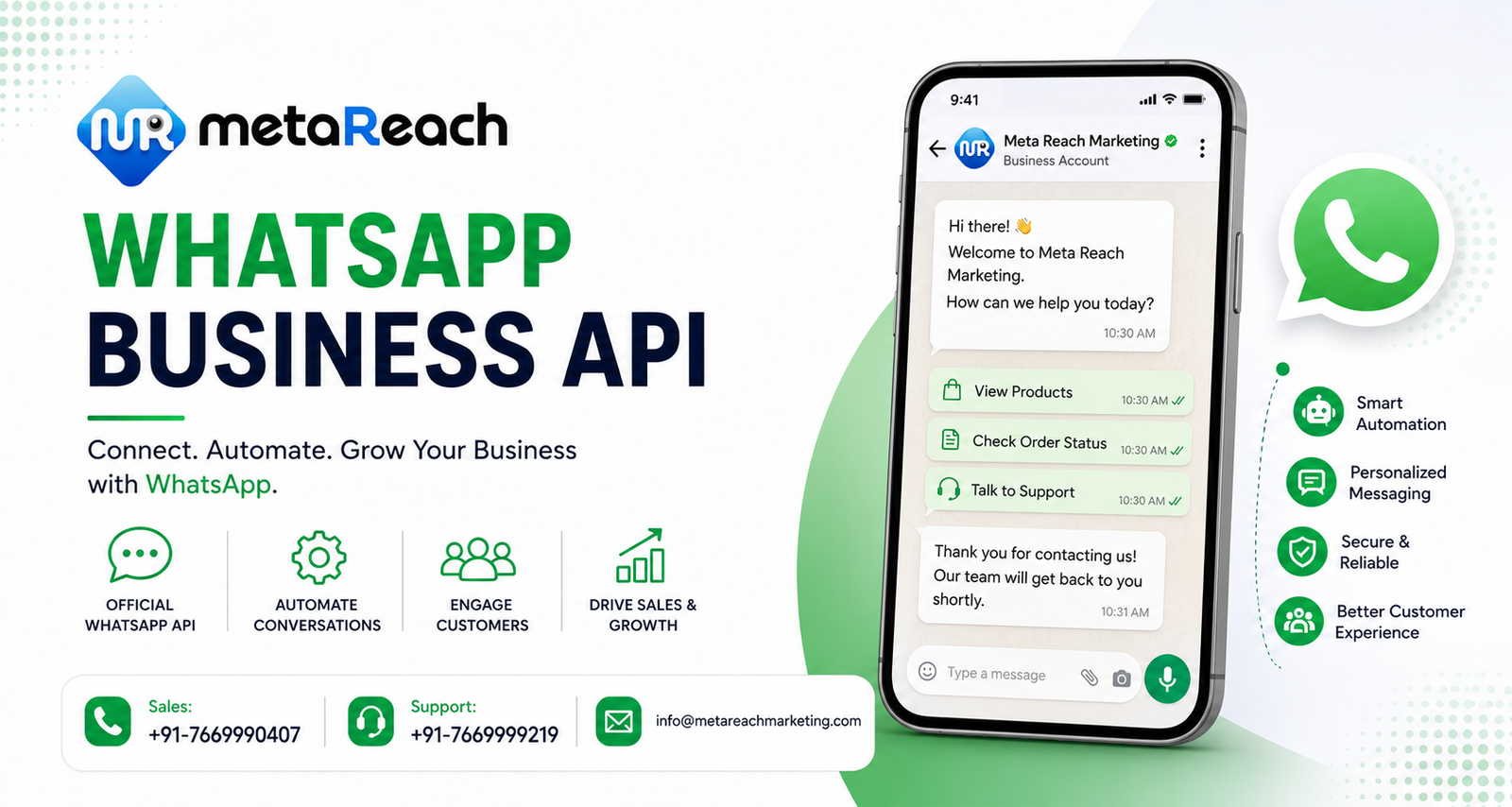
The WhatsApp Business App (the free one available on the Play Store) works fine for a single person managing a handful of chats. It falls apart the moment a business needs multiple agents, automated replies, or integration with a CRM or e-commerce backend. The WhatsApp Business API solves that gap. It lets a company:
- Send order updates, appointment reminders, and delivery notifications at scale
- Route incoming chats to different departments or agents automatically
- Connect WhatsApp to existing tools like a helpdesk, ERP, or booking system
- Verify the business with a green tick (for eligible, established brands)
Meta does not sell API access directly to most businesses. Instead, it is distributed through Business Solution Providers (BSPs) who build the dashboards, chatbot layers, and support that make the raw API usable. This is where the choice of provider starts to matter far more than most first-time buyers expect.
What a Genuine WhatsApp Business API Provider in India Should Offer
Template Approval Support
Every marketing or utility message sent on WhatsApp needs a pre-approved template. Providers who understand Meta’s content policies can get templates approved in a day; those who don’t will leave a business stuck resubmitting rejected templates for weeks.
Real-World Use Cases from Indian Businesses
Case 1: A regional NBFC in Lucknow. The company used to call every loan applicant to confirm document status, tying up call center agents for repetitive updates. After moving to WhatsApp API, applicants receive automated status updates and can upload documents directly in the chat, cutting agent call volume by a large margin during peak loan season.
Case 2: A D2C skincare brand shipping pan-India. Cart abandonment recovery messages, shipping updates, and post-delivery review requests are now automated on WhatsApp instead of email, which historically had poor open rates among the brand’s younger customer base. The brand reports noticeably higher response rates on WhatsApp compared to its earlier SMS-and-email combination.
These are not edge cases — they reflect the two broad patterns most Indian businesses fall into: transactional volume reduction (banking, logistics, healthcare) and marketing engagement (retail, e-commerce, education).
RCS, Voice, and Why an Omnichannel Approach Works Better
WhatsApp API rarely works in isolation for larger businesses. Customers who haven’t opted in to WhatsApp, or who are in low-connectivity areas, still need SMS or voice-based OBD calls as a fallback. This is why many businesses now look for a single partner that can bundle Bulk SMS, RCS Messaging, Voice/OBD, and WhatsApp API together rather than managing four separate vendor relationships and four separate dashboards. A single unified messaging setup also makes it easier to track which channel actually drives conversions, instead of guessing across disconnected reports.
How to Evaluate Cost Without Getting Misled
Pricing conversations with WhatsApp API vendors can get murky fast. A few practical checks:
- Ask for the Meta conversation rate card separately from the provider’s platform/service fee — these are two different line items and should never be bundled into one vague number.
- Check whether template creation, number onboarding, and basic chatbot setup are included or charged extra.
- Ask what happens to unused monthly conversation credits — do they roll over, or are they forfeited?
A provider unwilling to break down these numbers clearly is usually not the one to sign a long-term contract with.
Frequently Asked Questions
Q1. Is WhatsApp Business API free to use?
No. While the WhatsApp Business App is free, the API is a paid service billed per conversation category (marketing, utility, authentication, service), plus whatever platform fee the BSP charges for the dashboard and support.
Q2. Can any business get the green tick verification badge?
Not automatically. The green badge is reserved for a limited set of well-known, verified brands and is granted at Meta’s discretion, not something a provider can guarantee.
Q3. How long does WhatsApp API approval usually take in India?
With a proper BSP handling the Facebook Business Manager verification and number registration correctly the first time, approval typically takes a few business days, though it can extend if documentation is incomplete.
Conclusion
The gap between businesses still relying on one-way SMS blasts and those running conversational, automated flows on WhatsApp is only going to widen. Picking the right partner up front — one that is transparent about Meta’s pricing, genuinely capable of chatbot automation, and able to support SMS, RCS, and Voice alongside WhatsApp — saves a lot of rework later. Meta Reach Marketing is one such provider working with businesses across India on exactly this kind of unified messaging setup; those exploring their options can WhatsApp Business API Provider to see how the onboarding process works, or visit metareachmarketing.com to look at the broader range of messaging services. For a closer look at the API itself, the WhatsApp Business API page walks through the setup process in more detail.