There’s a familiar moment for growing Indian businesses: the WhatsApp Business app on the owner’s phone starts pinging constantly, order confirmations get typed out manually one by one, and a second phone gets added just to keep up. That’s usually the sign a business has outgrown the free app and needs the WhatsApp Business API — Meta’s infrastructure for sending and managing WhatsApp conversations at genuine scale, rather than from a single handset.
What Actually Changes Between the App and the API
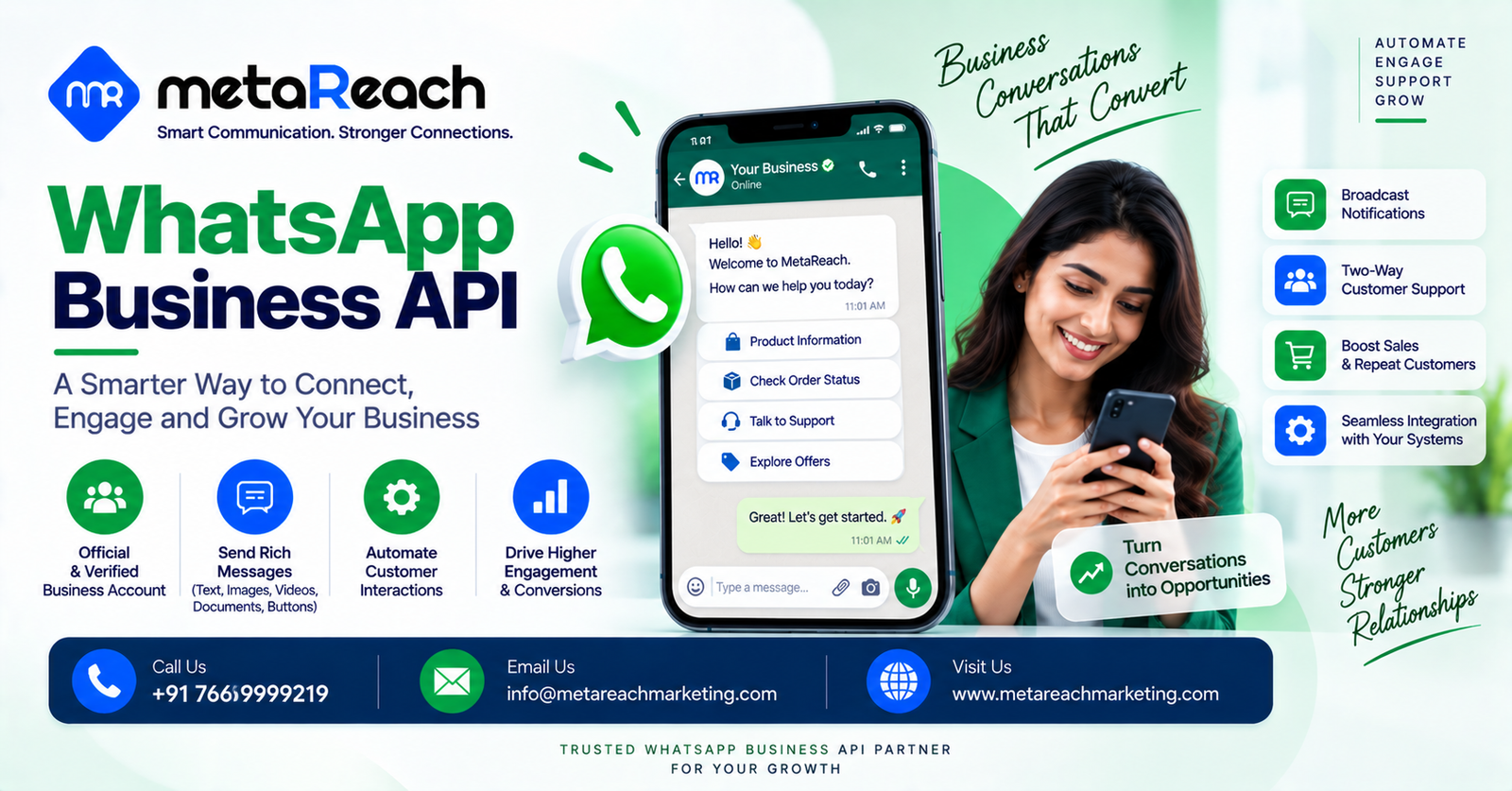
The WhatsApp Business app works fine for a solo operator or a very small team — it runs on one or two devices, caps broadcast lists at a few hundred contacts, and offers only basic auto-replies. The API removes those ceilings entirely. Messages can be sent programmatically to customer lists of any size, multiple support agents can work from one shared inbox at the same time, and the whole thing connects directly into a CRM or e-commerce platform instead of living in isolation on someone’s phone. It also unlocks two things the consumer app simply can’t offer: the verified green tick badge, and Meta-approved message templates for reliable, compliant notifications like OTPs and order updates.
In practical terms, the API turns WhatsApp from a messaging app into a proper customer communication channel — one that can run chatbots, automate order confirmations, and give a support team visibility into every conversation happening under the business’s name.
Why the Green Tick Matters More Than It Looks
A verified green tick next to a business name on WhatsApp does something subtle but important: it tells the customer, at a glance, that the account is genuinely who it claims to be. In a market where SMS and messaging fraud have become common enough that customers are naturally wary of unfamiliar numbers, that small visual cue tends to translate into meaningfully higher reply and click-through rates. Getting it, however, isn’t as simple as ticking a box — it requires being on the API (not the regular app), having a verified Meta Business Manager account, an established business presence, and compliance with WhatsApp’s commerce policies, followed by a formal verification request to Meta that can take a few weeks to clear.
The Message Types That Actually Determine Your Cost
One detail that trips up businesses new to the API is that WhatsApp doesn’t price all conversations the same way. Meta separates messages into a handful of categories — marketing, utility, authentication, and session (or service) conversations — and each carries a different approval requirement and cost structure. Business-initiated marketing and utility messages need a pre-approved template before they can be sent, while a customer-initiated support conversation lets the business reply freely within a 24-hour window at no extra charge. Understanding which category a given message actually falls into, before designing a campaign, is what keeps a WhatsApp messaging budget predictable instead of surprising.
A full breakdown of WhatsApp Business API features, setup, and message types for Indian businesses covers exactly this distinction in more depth, alongside the onboarding steps — Facebook Business verification, number registration, template approval, and chatbot setup — that stand between signing up and actually sending a first campaign.
Where the API Tends to Pay for Itself Fastest
A handful of use cases show up again and again across industries because they translate directly into saved time or recovered revenue. E-commerce businesses lean on it for abandoned-cart recovery with a product image and a “Buy Now” button, plus order and delivery tracking that would otherwise mean a flood of manual status calls. Healthcare providers use it for appointment reminders with a reschedule button and for delivering lab reports as secure attachments. Banks and NBFCs rely on it for OTPs and transaction alerts, where a verified sender identity cuts down on customers mistaking a legitimate alert for phishing. Real estate teams use it to respond instantly to website enquiries with a property image and site-visit booking link — often the difference between capturing a lead and losing it to a faster competitor.
It Works Best Alongside Other Channels, Not Instead of Them
WhatsApp’s open rates are famously high, but that doesn’t mean it should carry every message a business sends. It still depends on a customer having WhatsApp installed and having opted in, which some parts of an audience won’t meet. Many businesses get stronger results running WhatsApp Business API alongside a bulk SMS gateway as a fallback for customers without WhatsApp, and increasingly alongside RCS messaging for outbound campaigns where a lower per-message cost matters more than two-way conversation. Treating these as a connected toolkit, rather than picking one channel and abandoning the rest, tends to produce better reach without inflating the messaging budget.
Getting Set Up Without the Technical Overhead
Businesses don’t need an in-house developer to get the WhatsApp Business API running — a Business Solution Provider (BSP) authorised by Meta handles Facebook Business verification, number registration, template submission, and initial chatbot configuration through a managed dashboard. Meta Reach Marketing, a Noida-based enterprise communication and digital marketing agency and Meta-authorised BSP, manages this entire process for Indian businesses — pairing WhatsApp Business API setup with bulk SMS, RCS messaging, and IVR services so a business has one team coordinating its whole customer communication stack rather than several disconnected vendors.
The underlying shift is a simple one: customers already live on WhatsApp, and businesses that meet them there with a verified, well-organised presence tend to get replies, clicks, and conversions that a plain, unverified number rarely matches. The API isn’t a marketing gimmick — it’s what makes that presence possible once a business grows past what a single phone can handle.